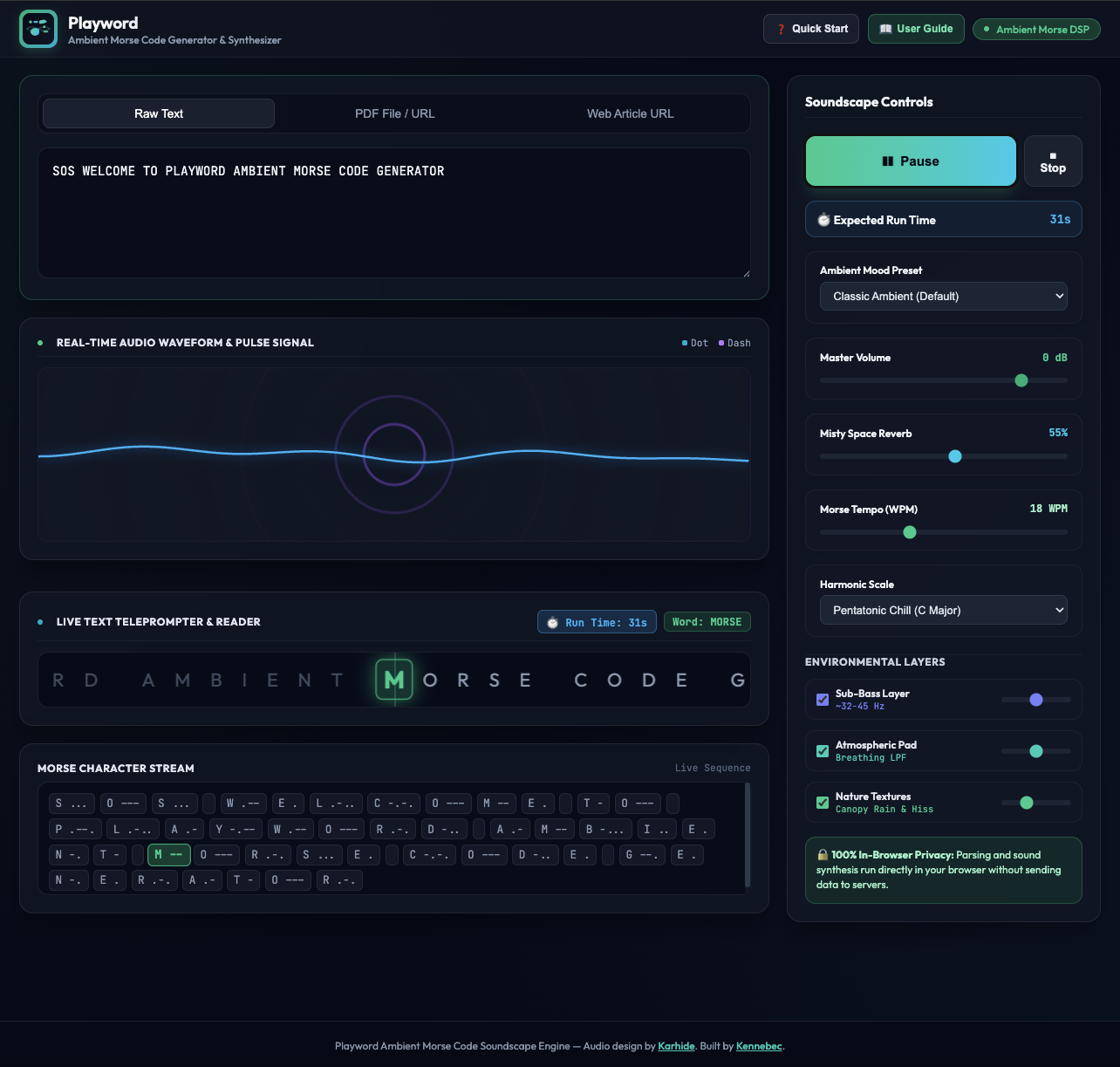
Building Playword: Developing a Browser-Based Audio Interface
When I started working on Playword, my aim was to build a responsive, interactive audio experience that runs directly in the web browser. The core idea was to build a tool that generates an ambient texture to listen to while reading, but with a twist: the sound is generated directly from the text you are reading, effectively bringing the words to life.
Development Process
Working with audio on the web requires managing both the user interface and the underlying sound processing. My priority was keeping the interface running smoothly while the Web Audio API handled the routing and playback. I used modern web frameworks to structure the code, which made it easier to iterate on the visual layout as the project evolved. Processing text input in real-time to drive the audio engine was an interesting technical challenge.
Connecting UI and Audio
A significant part of the work involved connecting the user interface to my own sound design (which I produce under the name Karhide). I needed to map the interactions—as well as the incoming text data—to the audio engine so it felt responsive, while maintaining a soundscape that stayed suitably ambient and unobtrusive for readers. It took some time to adjust how the text values affected the sound parameters, but the goal was to make the visual interface and text content align closely with the audio output.
I’m happy with how Playword turned out, and I hope it offers an interesting way to interact with text and sound on the web.